
HOSTING THAT MAKES MORE SENSE

A great website shouldn't cost a fortune.

Web Hosting WordPress VPS Dedicated Servers

Launch your first website, grow a business or build something bigger. Get the essentials you need, straightforward pricing and the freedom to upgrade when it makes sense.

  • NVMe storage
  • SSL included
  • Clear plan options
Need a hand choosing?Tell us what you're building
WEB HOSTING
From ₹149/mo

Yearly plan · billed annually

Compare plans
Less guesswork. More room to grow.
FIND YOUR WAY ONLINE

What are you building?

Pick the project closest to yours. See a hosting option that fits, then explore the details.

YOUR PROJECT / SELECT ONE

LUMO / PROJECT STUDIOILLUSTRATIVE PREVIEW
YOUR STARTING POINT 01 / 04

Start simple. Make it yours.

For portfolios, personal projects and small business websites that need a straightforward home.

Explore Web Hosting

A starting point, not a one-size-fits-all answer. Tell us about your project ↗

SIMPLE PRICING

Simple plans. Clear differences.

Start with what you need today and move up when your website or application grows.

STARTER

Starter

Everything you need for your first website.

₹ 149 /mo
₹1,788 billed every year
Ask About Starter →
Everything you need:
  • ✓ 1 Website
  • ✓ 10 GB NVMe Storage
  • ✓ Free SSL
  • ✓ Email Included
  • ✓ Weekly Backups
  • ✓ Easy Website Migration
  • ✓ Priority Support
PRO

Pro

Extra capacity for busy websites and online stores.

₹ 549 /mo
₹6,588 billed every year
Ask About Pro →
Plan highlights:
  • ✓ 50 Websites
  • ✓ 100 GB NVMe Storage
  • ✓ Free SSL
  • ✓ Email Included
  • ✓ Daily Backups
  • ✓ Priority Resources
  • ✓ Easy Website Migration
  • ✓ Priority Support
  • ✓ 7-day money-back guarantee
  • ↗ Free website migration
  • ☺ Human support, 24/7
  • 🔒 Free SSL on every plan
✓ No hidden setup fees ✓ Clear renewal pricing ✓ Upgrade when you need more
FROM IDEA TO ONLINE

Build it. Manage it.
Make it yours.

DESIGN YOUR PAGESSitePadDesign with the website builder
OR
INSTALL AN APPSoftaculousStart with website software
MANAGE YOUR HOSTINGcPanelFiles, email, databases & SSL
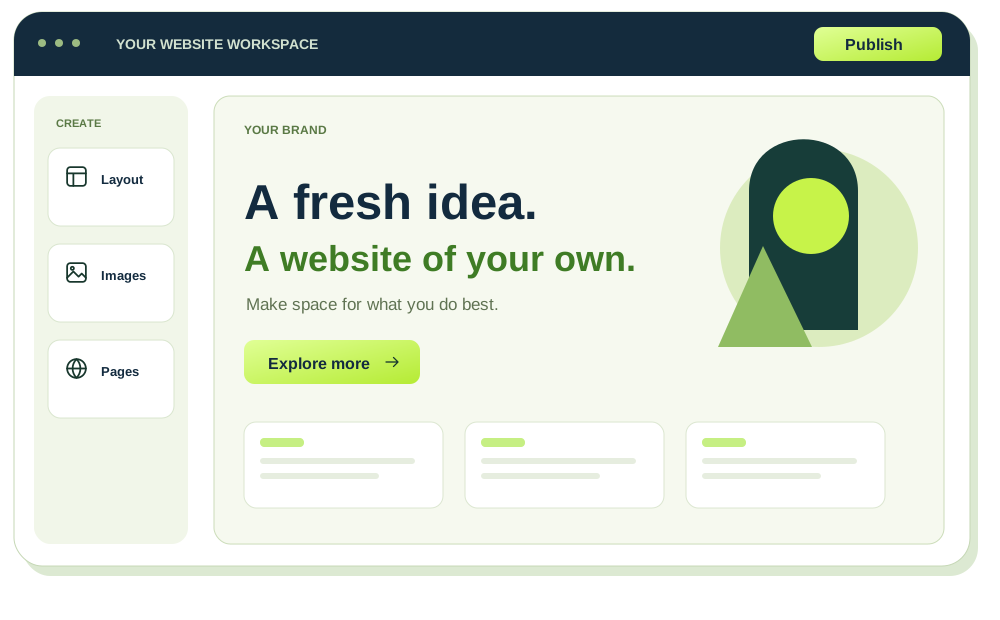
SITEPAD WEBSITE BUILDER INCLUDEDDESIGN YOUR PAGES

A website that
feels like you.

SitePad WEBSITE BUILDER
Original illustration of visual website editing; not a SitePad interface screenshot
Pick a theme
Make it yours
  1. Choose
  2. Edit
  3. Publish
Illustrative preview

Build your website with SitePad’s visual editor. Choose a theme, drag in widgets and add your own words and images.

  • Choose a themeFind a starting layout for your website.
  • Drag, drop and customiseAdd content and make the design yours.
Find your hosting plan
SOFTACULOUS INCLUDEDSTART WITH A WEBSITE APP

Pick your app.
Give it a starting point.

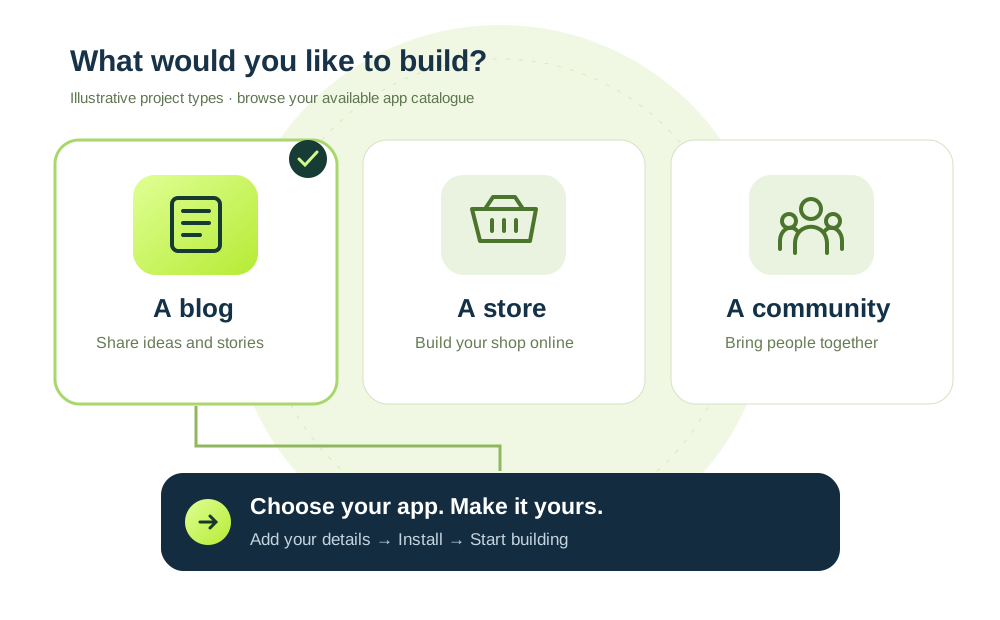
Softaculous APP INSTALLER
Original app-selection illustration showing example project types and a guided installation journey
Explore apps
Guided setup
  1. Choose an app
  2. Configure
  3. Install
Illustrative preview

Prefer to build with a website application? Softaculous guides you through installing an available app on your hosting.

  • Browse before you buildChoose from the apps available in your account.
  • Follow a guided setupAdd the domain and account details your app needs.
Explore hosting with Softaculous
CPANEL INCLUDEDMANAGE YOUR HOSTING

Your website’s essentials.
One familiar place.

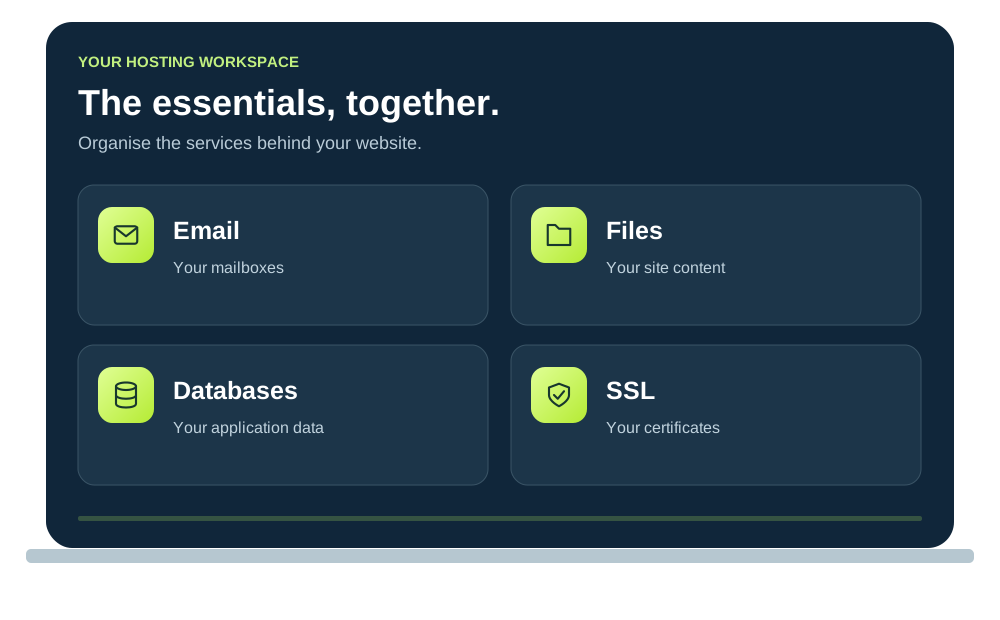
cPanel HOSTING CONTROL PANEL
Original illustration of hosting management tools; not a cPanel interface screenshot
Email & files
Hosting tools
Illustrative preview

Files, email, databases and SSL. Keep your everyday hosting tasks together in cPanel.

  • Keep things organisedManage website files, mailboxes and data.
  • Find the tools you needAccess your SSL and hosting settings.
Explore Web Hosting
BUILT FROM THE GROUND UP

A strong start.
Ready for what’s next.

Start with NVMe storage, SSL and email included. Choose the capacity and backup schedule that fit your website.

  1. 01LaunchGet your idea online
  2. 02BuildAdd pages and projects
  3. 03GrowExplore a larger plan
Find your hosting plan Explore our infrastructure
Your next big idea
START HEREYour website.Your shop. Your project. Your future.
SSL includedSecure connections for your visitors
PROTECT
NVMe storageA home for your files and databases
BUILD
Email with your domainA familiar address for your business
CONNECT
Backups by planCompare weekly and daily schedules
PREPARE

A solid foundation, from the first click.

YOUR NEXT LEVEL

Your own space.
Your way to grow.

When your project needs custom software or more control, give it its own VPS environment.

  • Make it yoursConfigure the tools and services you need.
  • Choose your resourcesMatch CPU, RAM and storage to your workload.
  • Plan your next moveExplore a larger VPS when your needs change.
Explore VPS plans Need managed VPS?
WebsitesApplicationsAPIs
YOUR OWN ENVIRONMENTYour VPSBuild it around your project
CPUFor your workload
RAMFor your applications
NVMeFor your data
Root accessFor your configuration

Resource allowances depend on your plan.

MOVING TO LUMOHOSTING

New hosting.
Same website.

A change of host starts with a plan. Review your setup, prepare the move and check your site before switching.

Your website

Files & content

Your database

WordPress & site data

Your email

Mailboxes & settings

Your domain

DNS & final switch

What can move, timing and any costs depend on your current setup. Confirm the scope before starting.

THE MOVE, AT A GLANCE

Your website. A new home.

Process overview
  1. Review

    Confirm what can move.

  2. Prepare

    Back up & transfer agreed data.

  3. Test

    Check your site & email.

  4. Switch

    Update DNS & verify.

Check first. Switch when ready.Keep your backup and old hosting until the move is verified.
LEARN BEFORE YOU BUY

Hosting questions.
Clear answers.

Choose a topic. Get a practical starting point for your next hosting decision.

VPS MEMORY

How much RAM does WordPress need?

Estimate memory around your plugins, traffic and workload.

Read the Guide
STORAGE

What changes with NVMe storage?

See where faster storage helps—and what else affects your site.

Read the Guide
MIGRATION

Move WordPress. Keep your site.

Plan the files, database and DNS checks before switching hosts.

Read the Guide
FREQUENTLY ASKED QUESTIONS

Hosting questions.
Clear answers for your next step.

Compare hosting types, understand prices and learn what to check before launching or moving your website.

Your setup is specific.

Tell us what you’re building and what you need.

Ask LumoHosting
FIND YOUR ANSWER13 common questions
Which hosting plan fits my website?

Start with Web Hosting for a blog, business website or WordPress site that does not need a custom server setup. Compare the number of websites, storage, memory, CPU and backup frequency across Starter, Business and Pro.

Choose around your current workload and software, rather than the largest allowance. If you need server-level configuration or custom services, compare VPS options instead.

Compare Web Hosting
Can I build with SitePad or install a website application?

Yes. SitePad gives you a visual way to build pages: choose a theme, add widgets and customise your content. Softaculous provides a different starting point by guiding you through installing an available website application.

Choose the approach that fits your project; you do not need to use both. cPanel helps you manage hosting tasks afterward, including files, email, databases and SSL settings.

Are SSL and email included?

SSL and email are included in the web hosting plans shown here. SSL encrypts the connection between your website and its visitors. Domain email lets you use an address such as hello@yourdomain.com.

Your domain and DNS settings still need to point to the right services. When moving an existing website, include certificates and mailboxes in your migration checks. Compare the plan’s email limits before choosing.

See Plan Features
How do website backups work?

The backup schedule depends on your hosting plan. Compare the weekly or daily frequency listed with each plan; the schedule tells you how often copies are made, rather than promising a copy of every change.

Keep an independent copy before a major update or migration. Ask about backup retention, what is included and the restoration process so you know how recovery would work for your website.

Ask About Backups
Can you help move my existing website?

Tell us where your website is hosted, which software it uses and whether you also need to move email. Migration help depends on the current setup and the access available.

We need to agree the scope, timing and any costs before the move. Keep your existing hosting active while the new copy is checked, and plan the domain or DNS switch after testing.

Explore Website Migration
Should I choose self-managed or managed VPS?

A self-managed VPS suits someone who can administer the server, configure software, apply updates and manage security. More server control also brings more responsibility.

If you need operational help, compare Managed VPS and confirm which administration tasks and support are covered. Choose the management scope alongside CPU, RAM and storage; a larger server alone does not remove the need for maintenance.

Explore Managed VPS
Can I upgrade my hosting later?

You can discuss a larger plan when your website needs more resources. Review the limits you are reaching and any new software requirements first; sometimes a larger web hosting plan fits, while other projects need VPS control.

The steps and cost depend on the move. Confirm the price difference, billing adjustment and whether data migration or a maintenance window is needed before proceeding.

Discuss an Upgrade
How do billing and renewal prices work?

Use the billing selector to compare Monthly, 1 Year and 2 Years. An annual or two-year price shown per month is a monthly equivalent for that term; it should be considered alongside the total amount payable.

Before ordering, check the billing term, total charge, renewal amount and renewal date. Do not assume an introductory rate continues at renewal. Ask us to clarify any amount that is not explicitly shown.

Ask About Billing
How is WordPress hosting different from regular web hosting?

Both can run a WordPress website. The meaningful differences are the resources, included setup tools, limits, backups and support of the specific plan—not simply the product name. WordPress-focused hosting may be more convenient for blogs, content websites and teams that mainly use WordPress.

For a first website, compare the number of sites, NVMe storage, backup schedules and the installation tools available. If you need custom server software or root access, a VPS may be more suitable.

Compare WordPress Hosting
When should I choose VPS hosting instead of shared web hosting?

Web hosting is usually a straightforward starting point when you want to publish a website without administering the underlying server. VPS hosting is worth comparing when your application needs greater configuration control, root access or server resources assigned to a virtual environment.

Consider your actual workload, CPU and RAM requirements, software compatibility, backup needs and who will maintain the server. VPS hosting does not automatically make an unoptimized website faster.

Explore VPS Hosting
Do I need a dedicated server for my business?

A dedicated server gives one customer an entire physical server. It can be appropriate for applications needing dedicated hardware, specific configurations, predictable resource allocation or particular compliance considerations. Many business websites do not need that level of infrastructure.

Compare expected traffic, software requirements, management responsibilities and total cost with VPS and web hosting before choosing.

Compare Dedicated Servers
Can I use my existing domain with LumoHosting?

In many cases, yes. You can point a domain registered elsewhere to your hosting by updating appropriate DNS records. A domain transfer is not necessarily required simply to move your website.

Check where your DNS is managed before changing nameservers or records. If your domain also handles business email, preserve the mail-related records so changing the website hosting does not interrupt email delivery.

Ask About Domain Setup
Can I get professional email and an SSL certificate for my website?

Website hosting, SSL certificates and business email serve different purposes. SSL helps enable encrypted HTTPS connections. Email hosting provides mailboxes using your domain, while Google Workspace is a separate productivity suite that can include business Gmail and collaboration tools.

Web hosting plan features and separate paid products may differ. Compare the coverage and renewal terms for SSL, and confirm the exact Google Workspace edition, licensing and price before ordering.

Explore Google Workspace
Web hosting from ₹149/mo View Plans
REAL GUIDANCE, LESS CONFUSION

Have a website in mind? Let’s choose your hosting.

Tell us what you're building, where your visitors are and how much control you need. We'll help you understand whether Web Hosting, WordPress Hosting or VPS makes the most sense.

Plan guidance Understand what you need before you buy.
Migration questions Find out what can be moved from your current host.
VPS guidance Get a clearer idea of resources and server options.
Find the right plan Hosting • WordPress • VPS
Moving from another host? Ask about migration
Need help choosing? Tell us what you're building.
Should I start with web hosting or VPS?
It depends on your website, traffic and how much server control you need.